
Good SAMaritans – How to model survey targets in Survey and Monitoring (SAM) datasets
Welcome to the second installment of our series on publishing Survey and Monitoring (“SAM”) data to GBIF where I’m simultaneously learning how to do it and teaching you at the same time. I am still supervised by Kate Ingenloff, our survey data mapping expert.
If you haven’t already, you can read our first post: https://data-blog.gbif.org/post/sam-introduction/ in which I introduce our mascot, Sam the Secretary bird. If you prefer learning the art of publishing SAM data without fluffy writing and doodles, I recommend reading Kate’s comprehensive guide here: https://doi.org/10.35035/doc-ynvs-eh84.
Today, we will talk about survey scopes and targets and how to model them as a Darwin Core Archive (DwC-A) and a Darwin Core Data Package (DwC-DP).
I am not a field ecologist. The closest I get to conducting surveys is foraging mushrooms (mostly for frying and soups, please share recipes.) But what I know is that what you look for and what you actually find are often different in the field. Here Sam is illustrating the concept for us:

“What you look for” in Darwin Core language can translate to either “survey scope” or “survey target” depending on the model you choose to work with. We will come back to the terms for each model later. For now, I will call it “survey scope” (as this matches wording in Kate’s guide).
Reporting survey scope (when there is one) is as important as reporting what was found during a survey. Without that information, it is impossible to infer absences or to even assess whether absences can be inferred.
Now, what exactly do you need to report when it comes to survey scope and how?
First, you need to think about what is included versus excluded in the survey.
Let’s continue with the example of Sam’s butterfly survey introduced in the first post (here is a flashback for context).
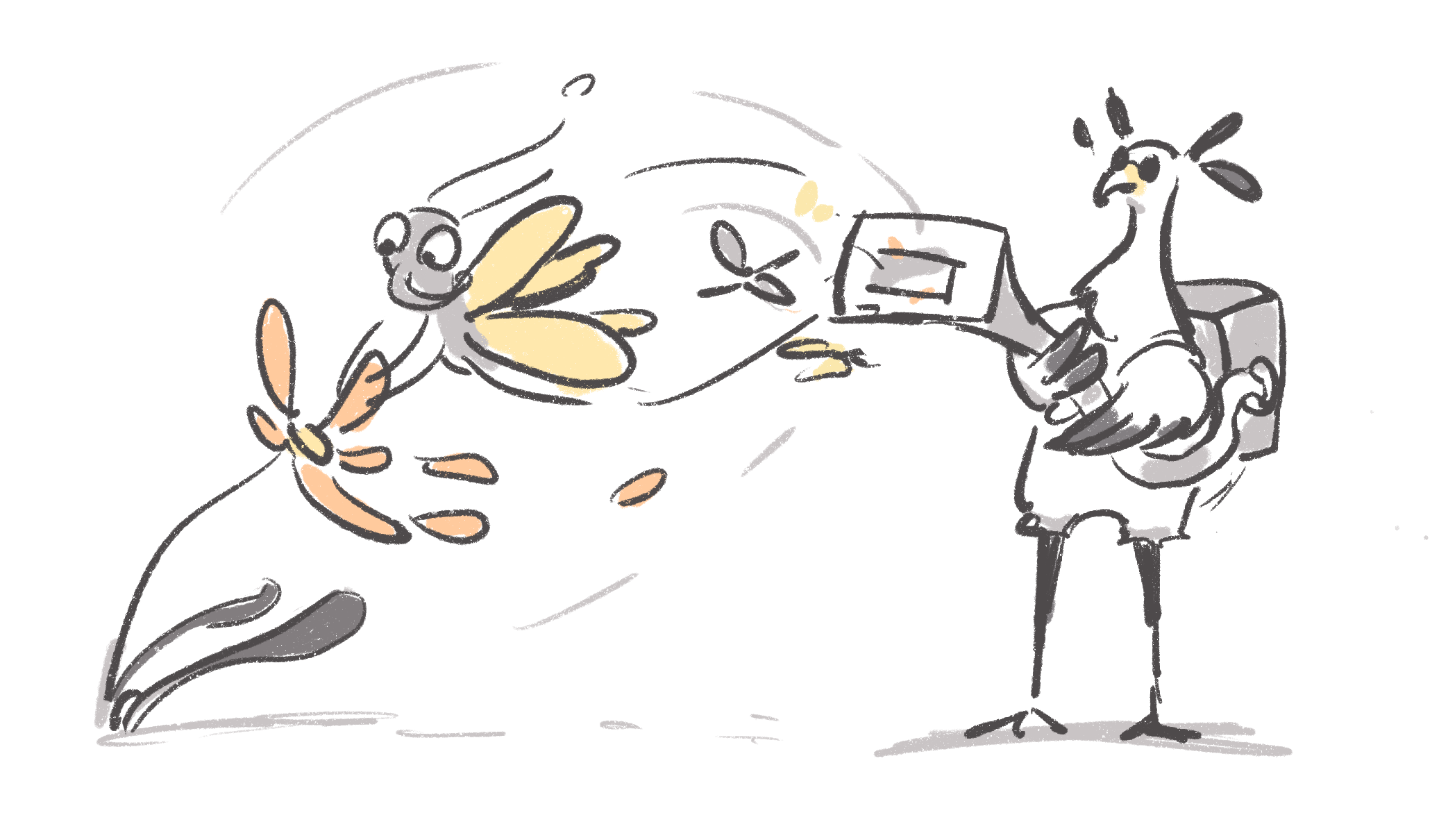
Sam was looking for two species of butterfly: this is the taxonomic scope of the survey. After an initial failed attempt at using a net, Sam acquired a portable doomsday vacuum (called a LepiPro Proton Pack) to catch flying insects. With that protocol, Sam didn’t specifically exclude any species from the survey.
What Sam did exclude from his survey were eggs, caterpillars and chrysalids. Sam only caught imago specimens (the adults). Which brings us to our second category of scope, organismal scope, which entails
-
The life stage of an organism (like Sam only looking for imago specimens)
-
The growth form of an organism (surveying shrubs in a forest for example)
-
The degree of establishment of an organism (like only surveying native species).
-
The behavior of an organism (for example,
flyinginsects orforagingsquirrel) -
The vitality of an organism (e.g., dead animals in a roadkill survey)

You don’t know because I haven’t told you yet, but Sam also excluded agricultural lands from the survey. This last bit of information can be categorized as habitat scope.
Note, survey scopes or targets should be clearly identified before the survey is conducted.
Sam, with the LepiPro Proton Pack, caught many other species too: some mosquitoes, horseflies, midges, hoverflies, dragonflies, etc. These are called bycatch; they are specimens or occurrences that weren’t part of the survey scope and were captured or observed during the survey. If Sam were to capture one of his target butterfly species as a chrysalid, this could also be reported as bycatch as it is outside the organismal scope targeted for sampling.
Reporting bycatch can be helpful (in this case, I am sure the disease vector community would be quite happy) but they must be reported as such. The absence of these taxa cannot be inferred in the context of the survey.

Once again, I have prepared a printable cheat sheet for you which you can download here as well as an example filled with Sam’s data.

In DwC-A, the Humboldt extension has a series of terms you can use for reporting the survey scope (targetTaxonomicScope, excludedTaxonomicScope, etc.). You can refer directly to the Humboldt documentation here or this chapter in Kate’s guide.
DwC-DP has two dedicated tables (“classes”) for reporting survey scope: survey target and survey target descriptor (plus one table to join the information to the survey).
You can think of each row in survey target descriptor table correspond to a “block” or a “piece” that are put together in the survey target. For example, one descriptor row can be for the lifeStage (for example, adult) and another for the taxon (butterfly), then both are linking to the same row in the survey target, which would correspond to the “adult butterflies”.
The survey target row (for example “adult butterflies”) can then be linked to one or several entries in the survey table. A survey can be linked to several targets and several surveys can share the same target.
The idea is that anyone interested in butterfly surveys will have an easier time looking for the data.
At this point, looking at the DwC-DP documentation might induce some heart palpitations and panic (those are typical symptoms of data modelling).
Luckily, Kate has us covered! She generated two complete examples on how to model Sam’s data with both DwC-A and DwC-DP (you can see it bigger here).


Don’t miss our next instalment in the Good SAMaritans series! We will talk about how to model and share survey sites, dates and time. I hope you are looking forward!